Why Monavero
Wealth
Converter
Tools
Pricing
Blog
Download
5 Nov 2026 · 5 min read · Monavero
How to track your net worth when you move countries
A new country usually means new accounts, a new currency and an old pension you cannot close. Here is a simple way to keep one honest net worth number through the move.

Moving abroad splits your money in two. The salary, rent and new bank account are in one currency. The savings account you never closed, the pension and maybe a flat you rent out stay behind in another. Every banking app shows its own piece, each in its own currency, and none of them tell you what it adds up to.
1. List everything once, in its own currency
Start with a plain list: every account, investment, property and debt, in both countries. Keep each one in the currency it is actually held in. Converting everything by hand into one currency on day one is what makes spreadsheets go stale, because the rates keep moving and your column of numbers does not.
•
Current and savings accounts in the old and the new country
•
Pensions and workplace savings you left behind
•
Brokerage accounts, funds and crypto
•
Property, with the mortgage as a separate debt
•
Loans and credit cards in either currency
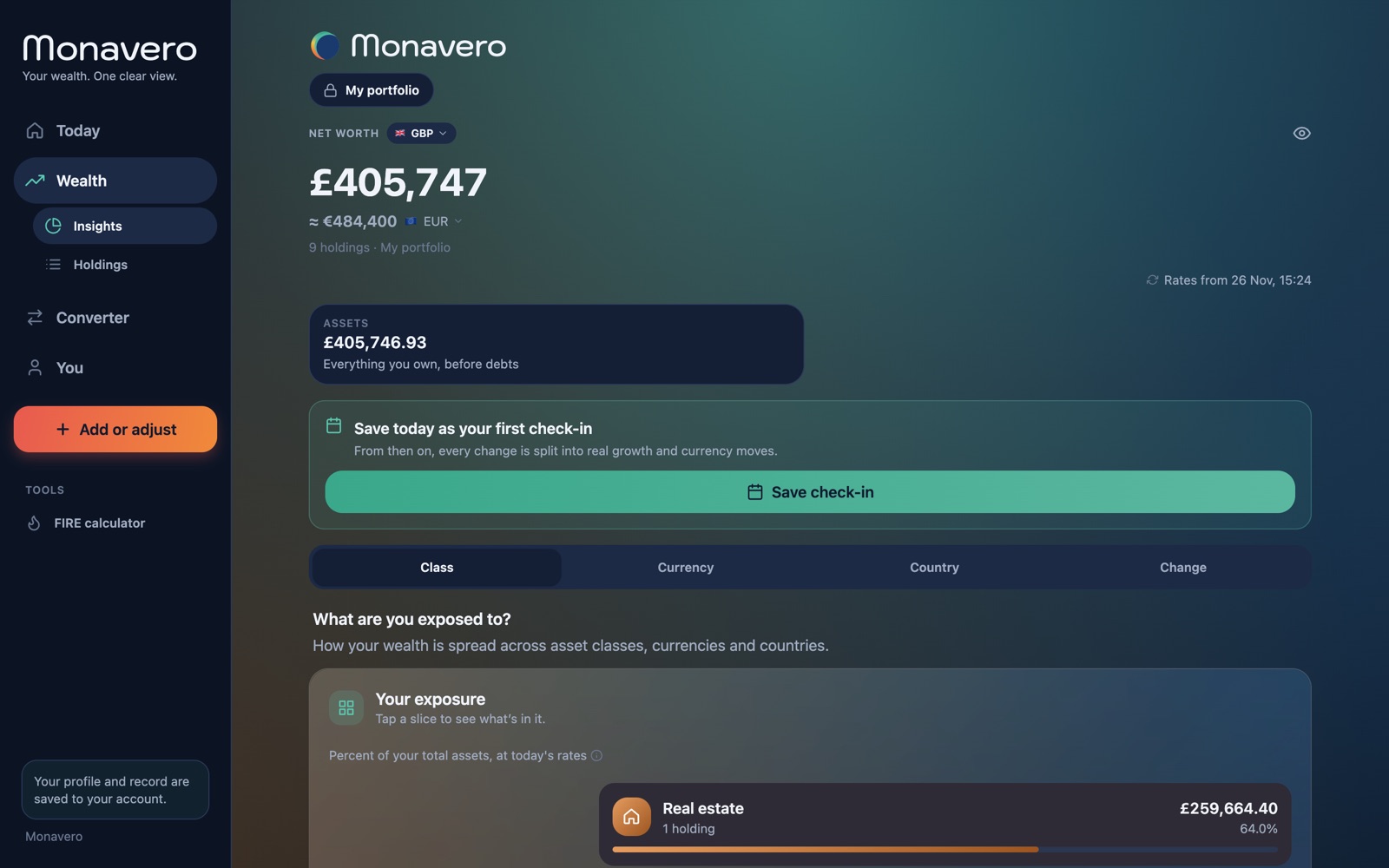
One net worth total, with every holding kept in its own currency.
2. Pick the currency you think in
Most people who move abroad end up thinking in two currencies: the one they earn in now and the one they grew up with. Choose one as the main total and keep the other next to it. Monavero shows both on the overview, so you can read your net worth as, for example, euros and pounds at the same time.
3. Tag each holding with a country
Currency and country are not the same thing. A US index fund bought through a European broker is in euros but exposed to the US. Adding a country to each holding shows how your money is split between the places you live, used to live, or invest in.
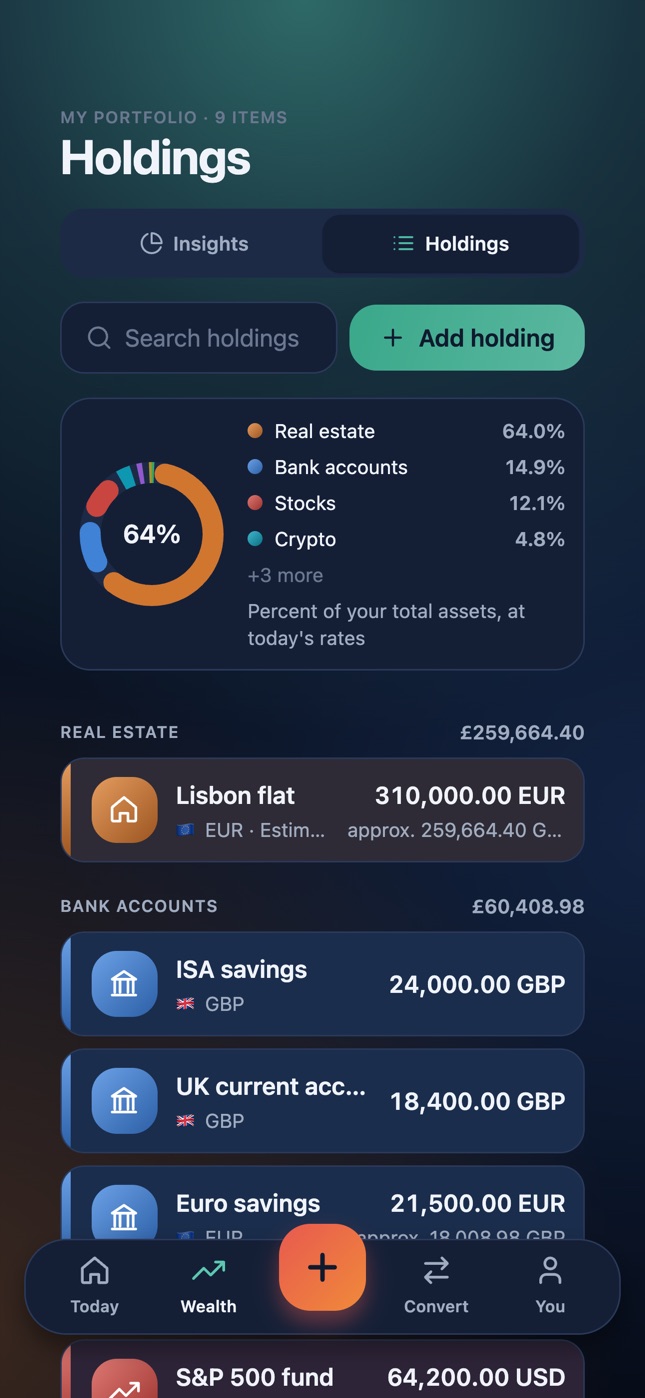
Holdings stay in their own currency: pounds, euros, dollars or bitcoin.
4. Update once a month, not every day
Daily balance checking across two banking systems is tiring and tells you little. A monthly update is enough to see the trend. In Monavero the monthly update walks through each holding, takes the new balance, and shows how much of the change came from your own saving and how much from exchange rates.
5. Keep it private
A full picture of your money across two countries is sensitive. Monavero does not ask for bank logins. Your profile and record are saved to your account. If you want the same portfolio on your phone and laptop, Pro sync saves it there too.
To try it without installing anything, the free multi-currency net worth calculator on monavero.com adds up assets and debts in different currencies in your browser.
Monavero
Monavero
The value of what you own, in every currency.
Product
Wealth
Pricing
Download
Tools
Currency converter
Net worth calculator
Converter widget
Company
Why Monavero
Blog
Security
Privacy
Terms
Monavero shows you information about your own finances. It is not financial advice.